Make clips
Make clips from this video in my Interview brand
create_clips · get_project · list_clips
https://mcp.boqo.ai/mcp
Make clips from this football show. Send me the top one.
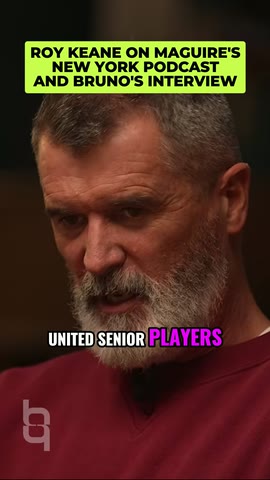
76 clips
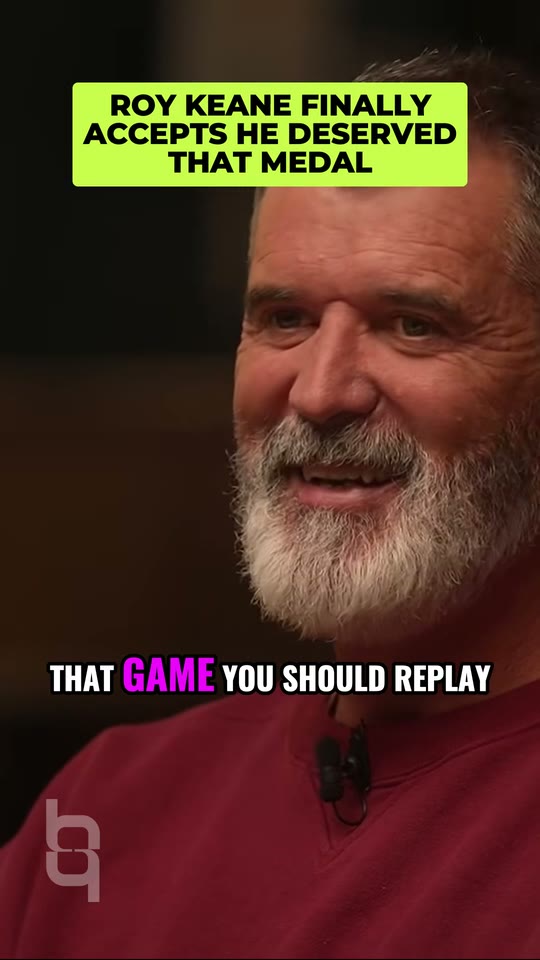 80
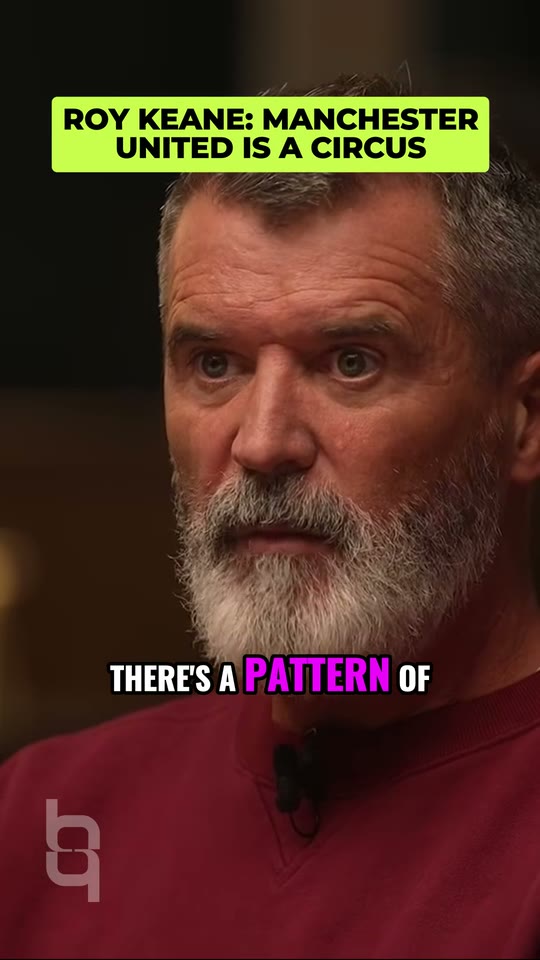 78
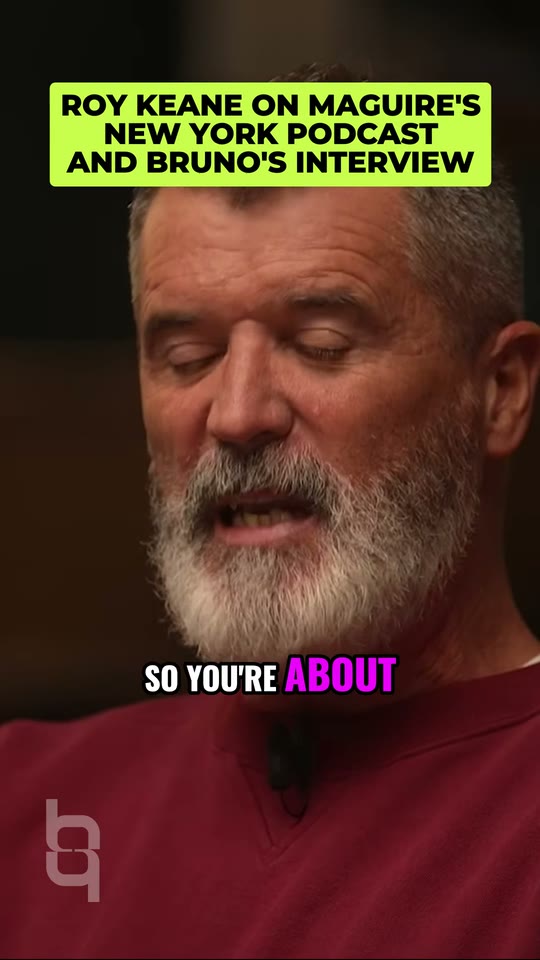 84
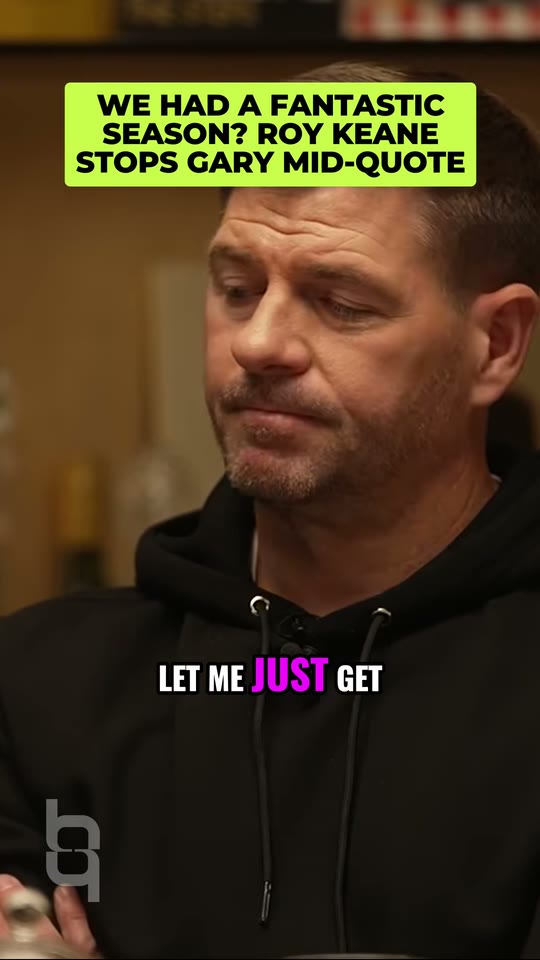 74
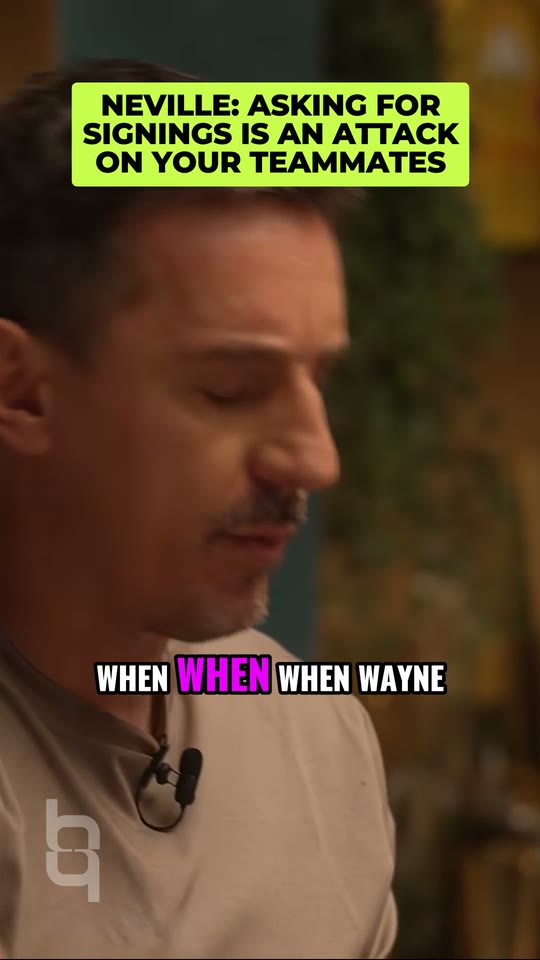 80
Make clips from this video in my Interview brand
create_clips · get_project · list_clips
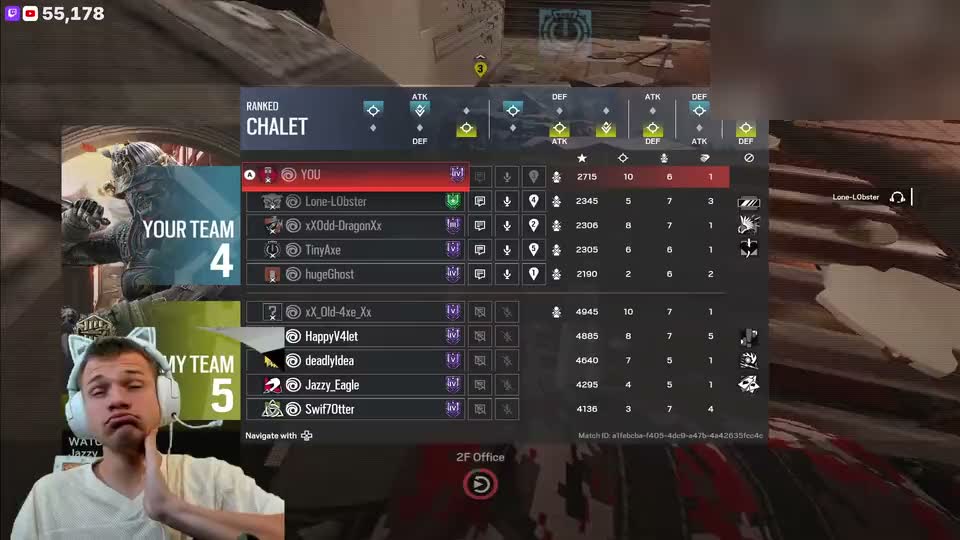 Live
Watch my Twitch tonight and clip the big moments
start_watch · list_moments · clip_moment
Blur the sponsor banner and clean up the audio
blur · enhance_audio
Find long videos worth clipping
find_videos · inspect_videos
Post the top clip to TikTok on Tuesday at 18:00
list_accounts · schedule_post
The same tools as the Agent, without the chat. Whatever the agent starts lives in your boqo account, so the dashboard shows it.
Actions run at once and spend your credits as they would in the app. If you set a daily credit cap on a connection, an action over the cap returns a link for you to approve instead of running.
ClaudeConnectedRevoke
49of 100 credits today
Over the cap, the agent gets a link for you. Caps reset at 00:00 UTC.
Connecting costs nothing, and it is open to every account, Free included. The jobs an agent starts cost their usual credits: one credit is one minute of source video, with 10 at least per video. Posting to TikTok, Instagram and YouTube needs a paid plan. See pricing
Open Connections in the dashboard. Each connected agent has a daily credit cap you can edit, and Revoke removes its access. Caps reset at 00:00 UTC.
Any client that can add a remote MCP server over Streamable HTTP. Cursor and VS Code install in one click from this page, and Claude and ChatGPT take it as a custom connector.
The Agent is a chat inside boqo. The connector gives the same tools to the agent you already use, so you work from there instead.
https://mcp.boqo.ai/mcp
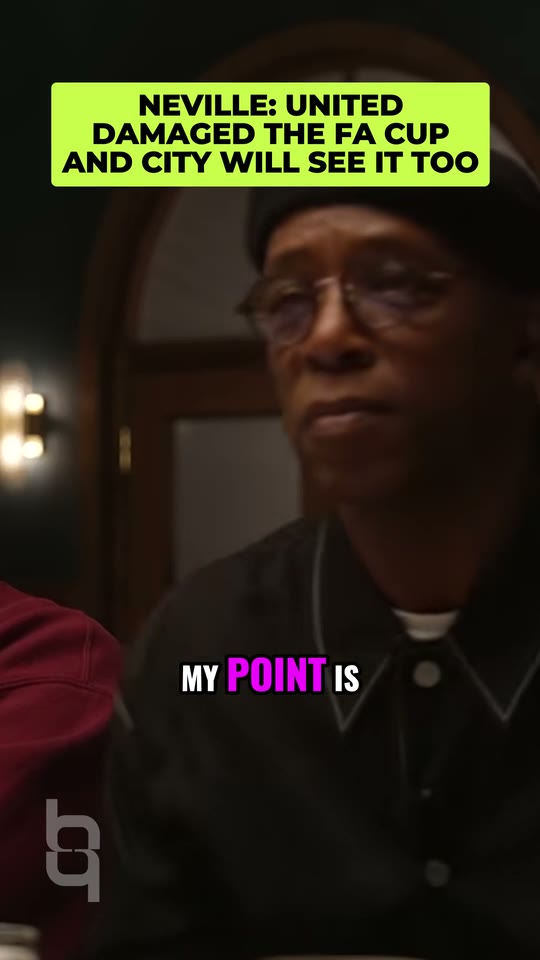
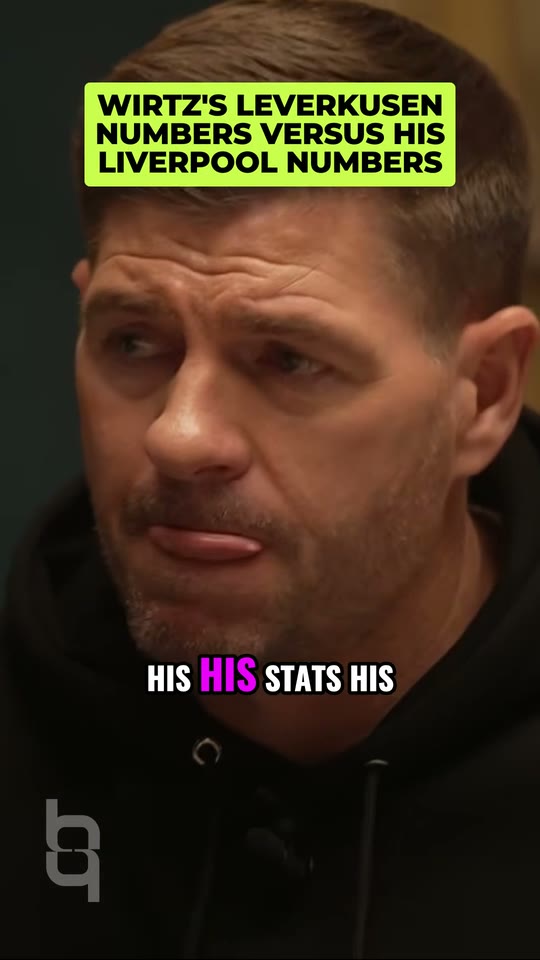
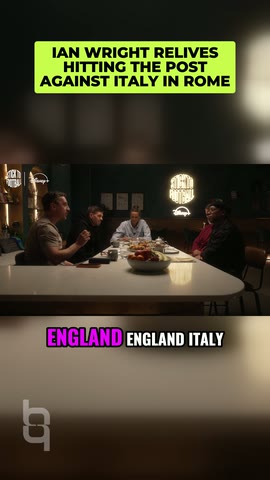
 1:27:40
 1:41:59