Podcast clips, cut from the whole episode
Short answer
boqo turns a video podcast episode into short vertical clips. Paste a YouTube link or upload the file, and boqo watches the whole episode, picks the moments worth posting, and cuts each one to 9:16 with captions burned in, scored and ranked. A free account gets 10 credits once: 10 minutes of video, no card.
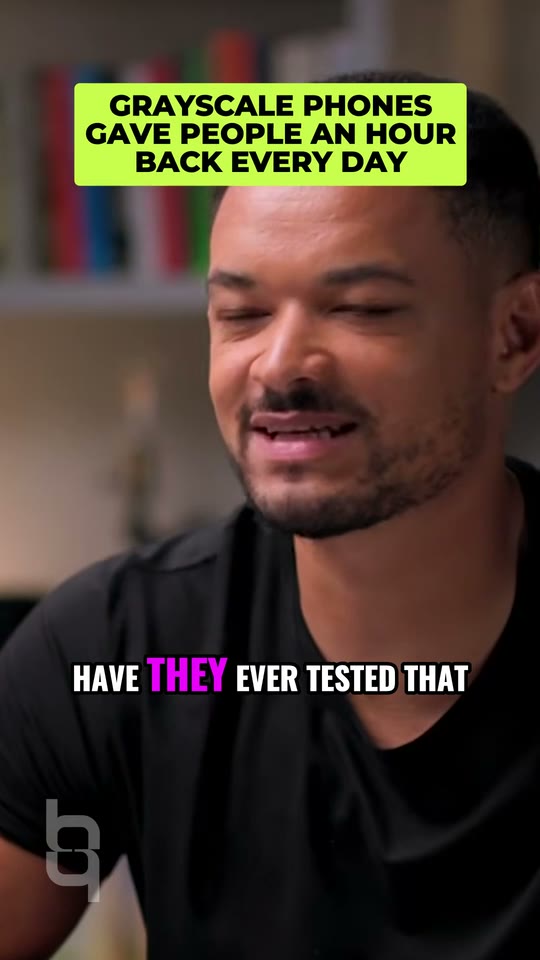
Grayscale phones gave people an hour back every dayfrom a podcast 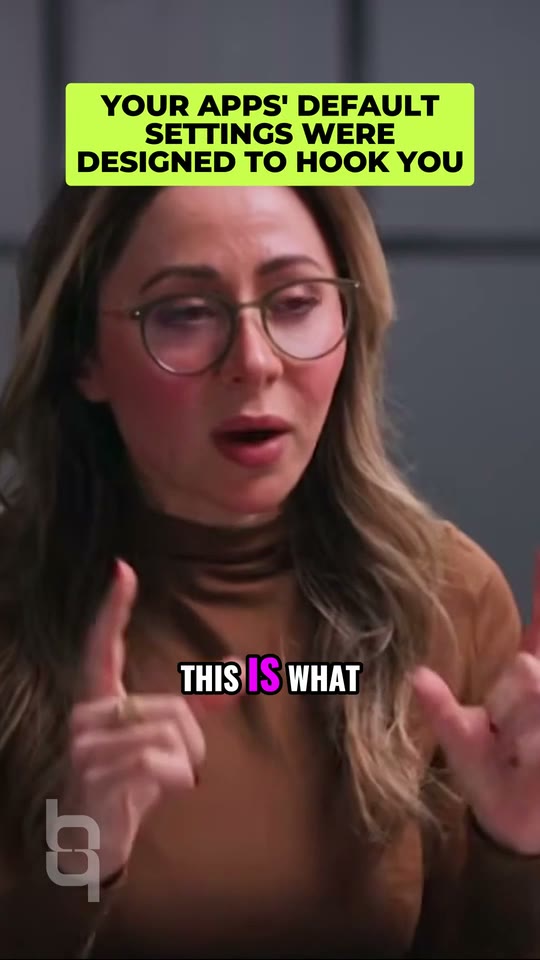
Your apps' default settings were designed to hook youfrom a podcast 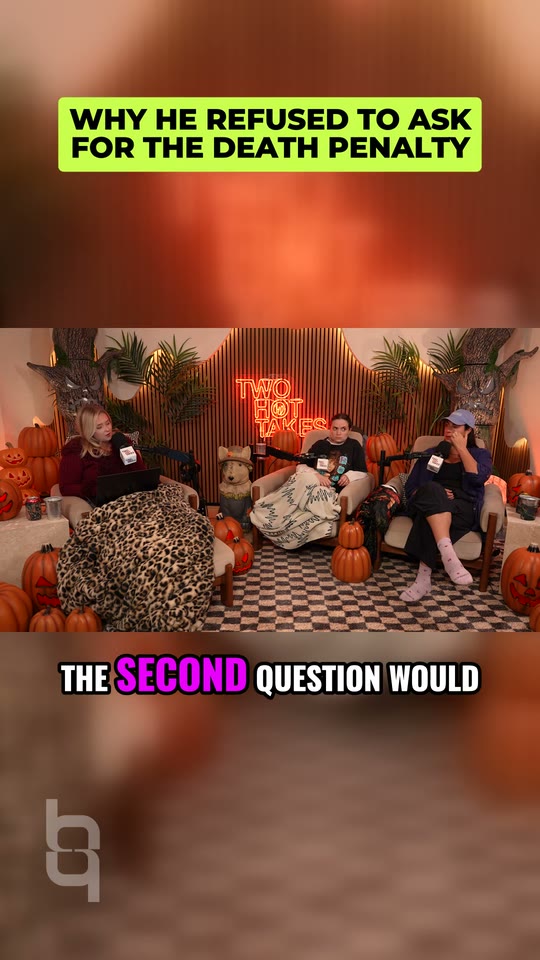
Why he refused to ask for the death penaltyfrom a true-crime podcast 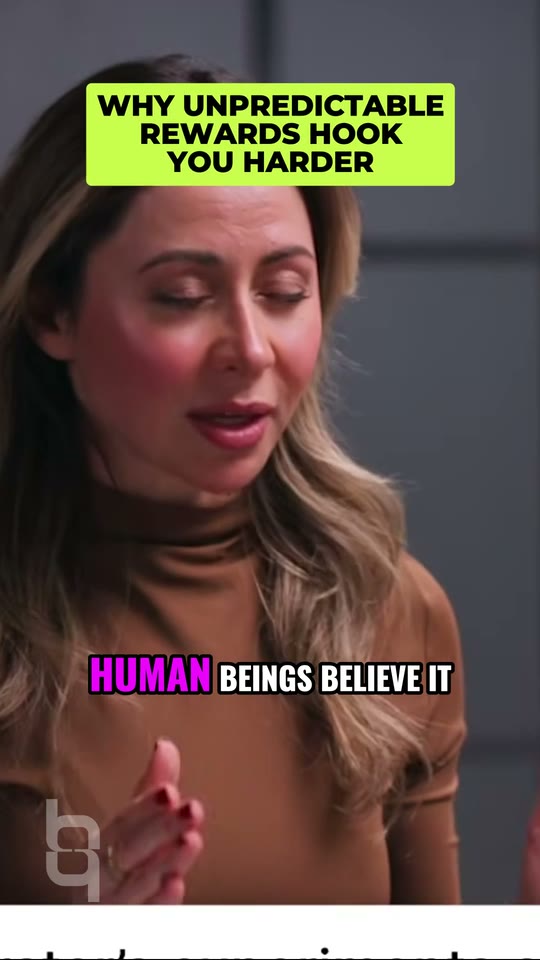
Why unpredictable rewards hook you harderfrom a podcast 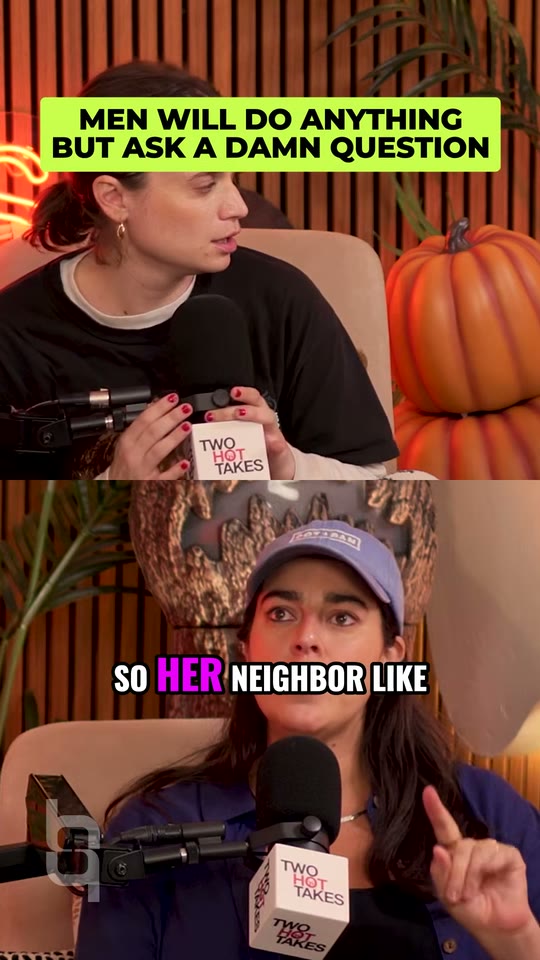
Men will do anything but ask a damn questionfrom a true-crime podcast
How does boqo pick the moments from a podcast?
Give Clips the episode: a YouTube link, or the video file itself. boqo goes through the whole episode and pulls out the moments worth posting.
Every clip it cuts gets a score, and the clips come back ranked. You start at the top of the list and decide what to post, instead of scrubbing through an hour of tape.
What do the clips look like?
Each clip is vertical, 9:16, with captions burned in. That is the shape TikTok, Instagram Reels and YouTube Shorts all use, so one clip works on all three.
There are 15 caption styles, all of them on every plan, Free included. A brand template gives every clip your headline plate, your caption look and a logo, set once: your own logo on a paid plan, the boqo logo on Free.
The clips on this page come from a podcast and a true-crime podcast.
How long can an episode be, and what does it cost?
A source can be up to 4 hours long; an uploaded file up to 20 GB, as an MP4, MOV, MKV or WEBM. One credit is one minute of source video, with 10 at least per video, so a one-hour episode uses 60 credits. boqo 1.1, the selection model paid plans start on, counts 1.5 credits a minute, which makes the same hour 90.
The free plan gives you 10 credits once and needs no card; a new account gets Starter's features for its first 3 days. Starter is $12 a month for 90 credits, Creator $24 for 180, and Pro starts at $59 for 450. Downloads use no credits. See pricing.
Can I post the clips from boqo?
On every plan you can download your clips and post them yourself.
On every paid plan, boqo posts for you to TikTok, Instagram and YouTube, from the same place you cut the clips, with no limit on accounts or on posts a month.
Each connected account can take up to 10 posts a day. If you post for more than one show, give each project its own brand template: Free has room for 3 of your own, and a paid plan has no limit.
Questions
Does boqo work with audio-only podcasts?
No. Clips takes a video: a YouTube link, or an MP4, MOV, MKV or WEBM file. For a podcast, use the video recording of the episode.
Which caption styles are there?
There are 15 caption styles, all of them on every plan, Free included. You can change a clip's style in the clip editor.
Can I edit a clip after it's cut?
Yes. In the clip editor you can trim a clip, change its layout and ratio (9:16, 1:1 or 16:9), pick its caption style and fix its caption words, then re-render it; a re-render can use credits. You can also switch a clip to another brand template.
How many credits does a one-hour episode use?
60, or 90 on boqo 1.1, the selection model paid plans start on. One credit is one minute of source video, so the free plan's 10 credits cover a video of up to 10 minutes, and Starter's 90 cover a one-hour episode on boqo 1.1.
Can I put my show's branding on every clip?
Yes, with a brand template: a headline plate, captions and a logo, set once for every clip. Free has 3 templates of your own, and its clips carry the boqo logo; a paid plan has no limit and carries your own logo.


Paste a link. Get the clips.
Free: 10 credits to start. 3 days of Starter. No card.