A YouTube video in. Shorts out.
Short answer
To turn a YouTube video into Shorts with boqo, paste the video's link. boqo watches the whole video, finds the moments worth posting, and cuts each into a 9:16 clip with captions, a title and a score. Download them, or on a paid plan post them to YouTube, TikTok and Instagram from the same account.
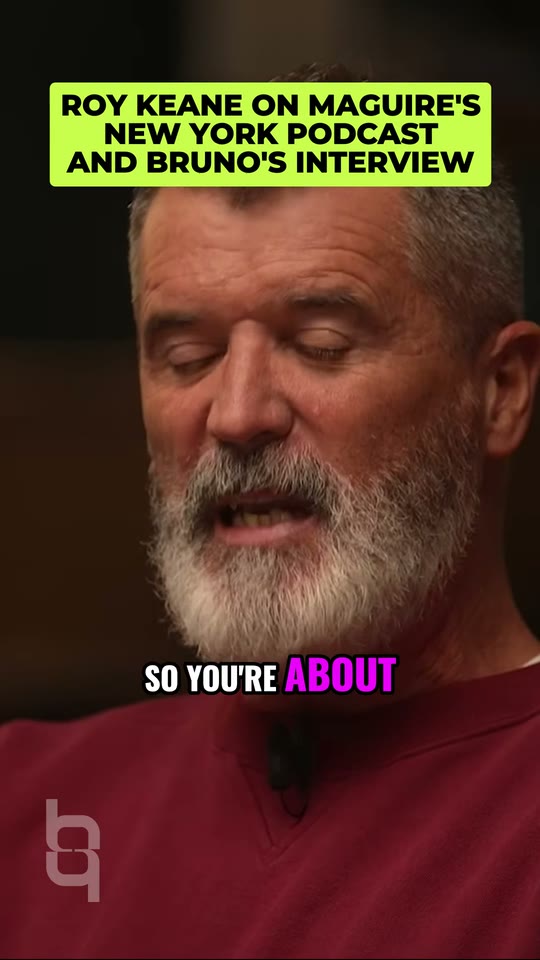
Roy Keane on Maguire's New York podcast and Bruno's interviewfrom a football show 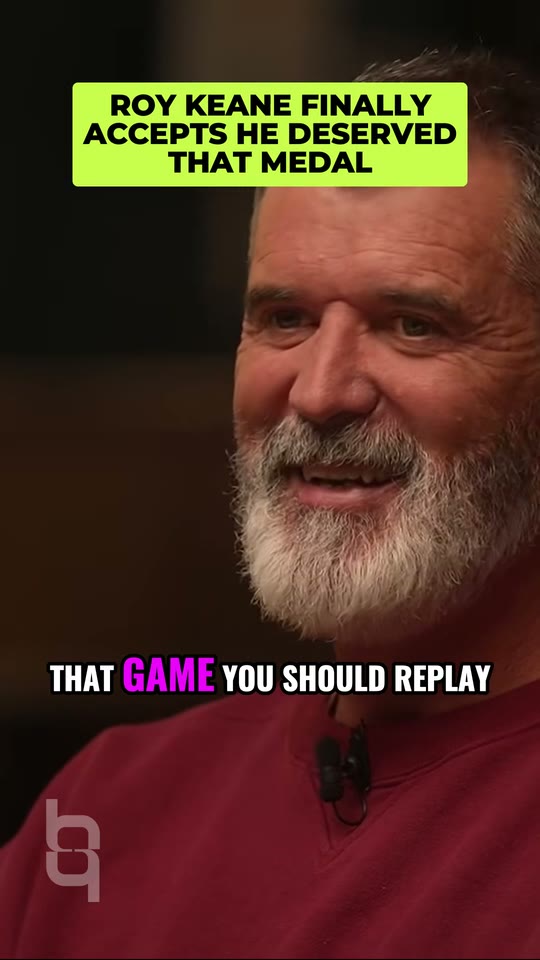
Roy Keane finally accepts he deserved that medalfrom a football show 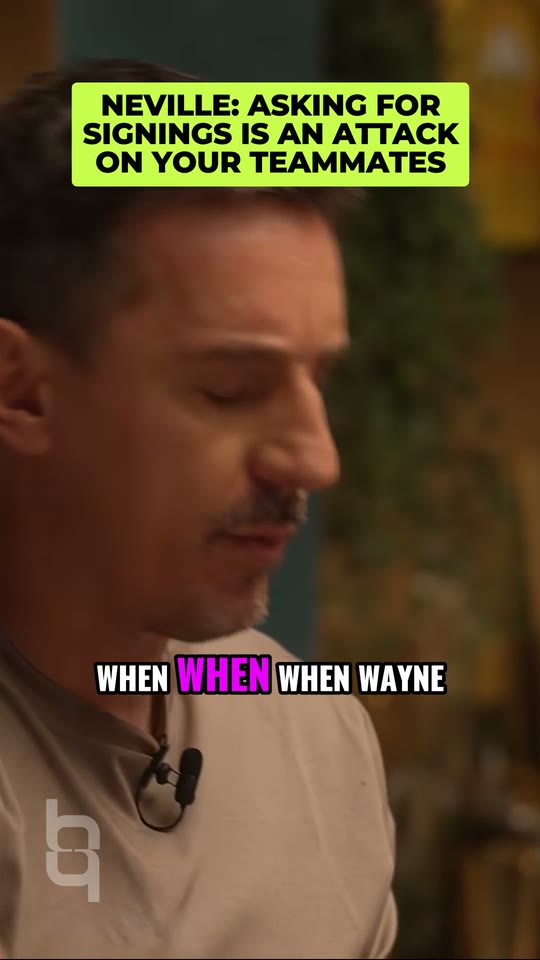
Neville: asking for signings is an attack on your teammatesfrom a football show 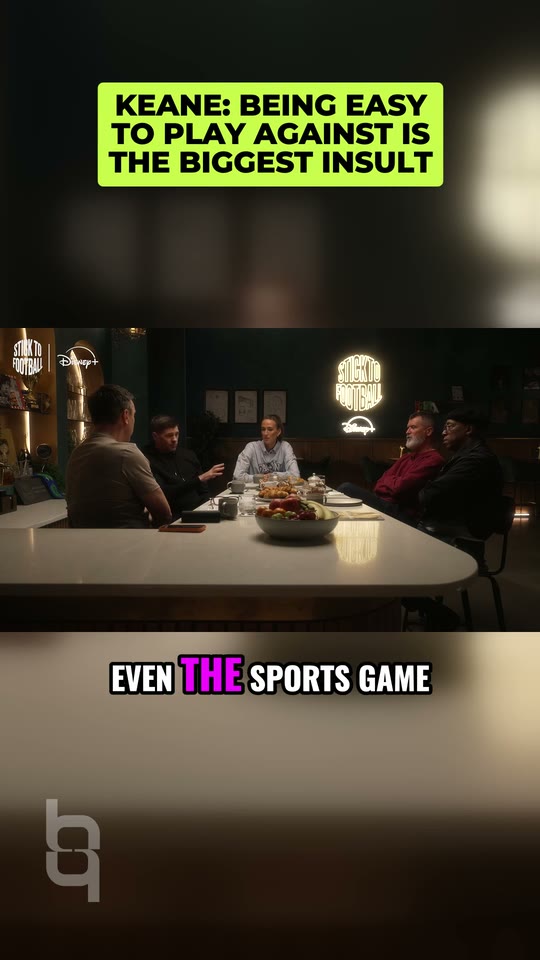
Keane: being easy to play against is the biggest insultfrom a football show 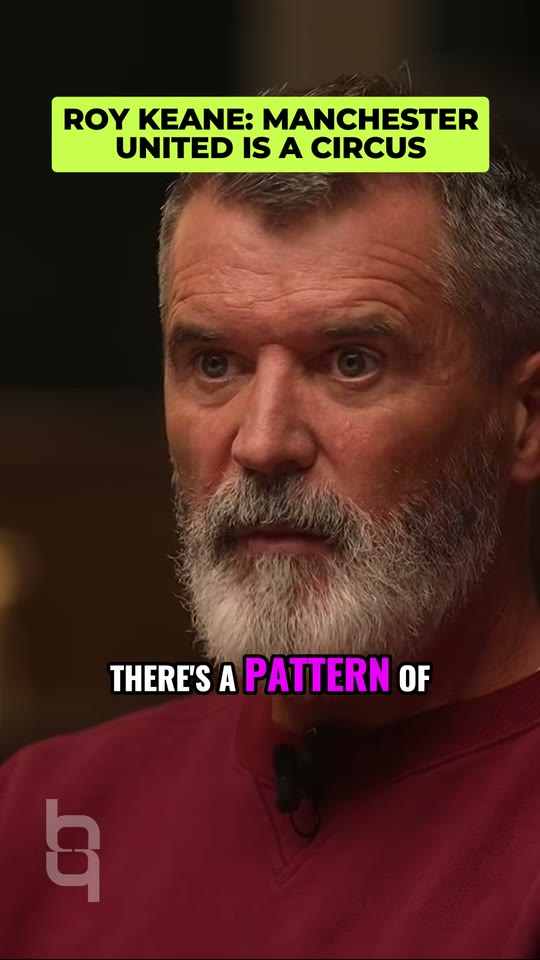
Roy Keane: Manchester United is a circusfrom a football show
How do I turn a YouTube video into Shorts?
Copy the video's link from YouTube and paste it into Clips. That is the whole input. If you have the file instead, upload it: MP4, MOV, MKV or WEBM, up to 20 GB.
boqo goes through the whole video and hands back vertical clips with captions, each one ready to post as a Short.
Which moments does boqo pick?
boqo looks for the moments worth posting on their own, and cuts each one into its own clip.
Every clip gets a score, and the list comes back ranked, so the strongest ones sit at the top. You still choose what goes out: skip a clip, keep the rest.
Each clip also comes with captions and a title. Captions come in 15 styles, all of them on every plan, and a brand template adds your headline plate and a logo to every clip: your own logo on a paid plan, the boqo logo on Free. The clips on this page come from a football show.
Can boqo post the Shorts for me?
Yes, on every paid plan. Connect your YouTube channel, and TikTok and Instagram too, and post without leaving boqo, with no limit on accounts or on posts a month. Each connected account can take up to 10 posts a day.
On the free plan, download the clips and upload them to YouTube yourself. Downloads use no credits.
What does it cost?
boqo counts credits. One credit is one minute of source video, with 10 at least per video, so a 20-minute video uses 20 credits and a 5-minute one uses 10. boqo 1.1, the selection model paid plans start on, counts 1.5 credits a minute, which makes the 20-minute video 30.
The free plan gives you 10 credits once, with no card, and a new account gets Starter's features for its first 3 days. Starter is $12 a month for 90 credits, Creator $24 for 180, and Pro starts at $59 for 450. The full table is on pricing.
Questions
Do I need to own the video?
boqo takes a YouTube video link and doesn't check who owns the video. Post only clips you have the right to post: your own videos, or ones you have permission to use.
How long can the video be?
A source can be up to 4 hours long; an uploaded file up to 20 GB. Each minute of source video is one credit, or 1.5 on boqo 1.1, the selection model paid plans start on, so a 2-hour video uses 120 credits, or 180 on boqo 1.1.
Can I change a clip before posting?
Yes. In the clip editor you can trim a clip, change its layout and ratio (9:16, 1:1 or 16:9), pick its caption style and fix its caption words, then re-render it; a re-render can use credits. You can also switch a clip to another brand template.
Does it work for TikTok and Reels too?
Yes. The clips are vertical, the shape Shorts, TikTok and Reels all use. On every paid plan, boqo posts to TikTok, Instagram and YouTube for you.
Is there a free plan?
Yes. A free account gets 10 credits once, which is 10 minutes of source video, and needs no card; a new account gets Starter's features for its first 3 days. Starter gives 90 credits for $12 a month.


Paste a link. Get the clips.
Free: 10 credits to start. 3 days of Starter. No card.